
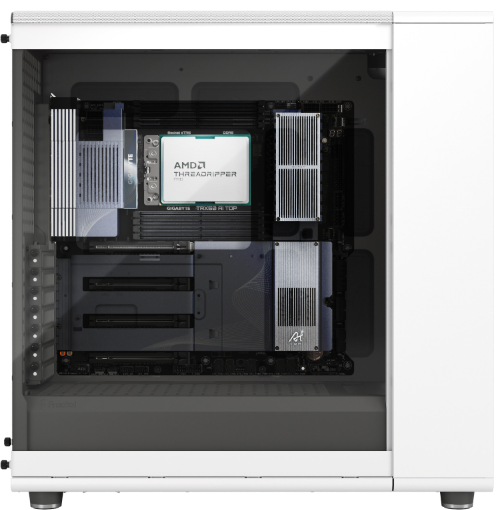
LLM Training Multi-GPU
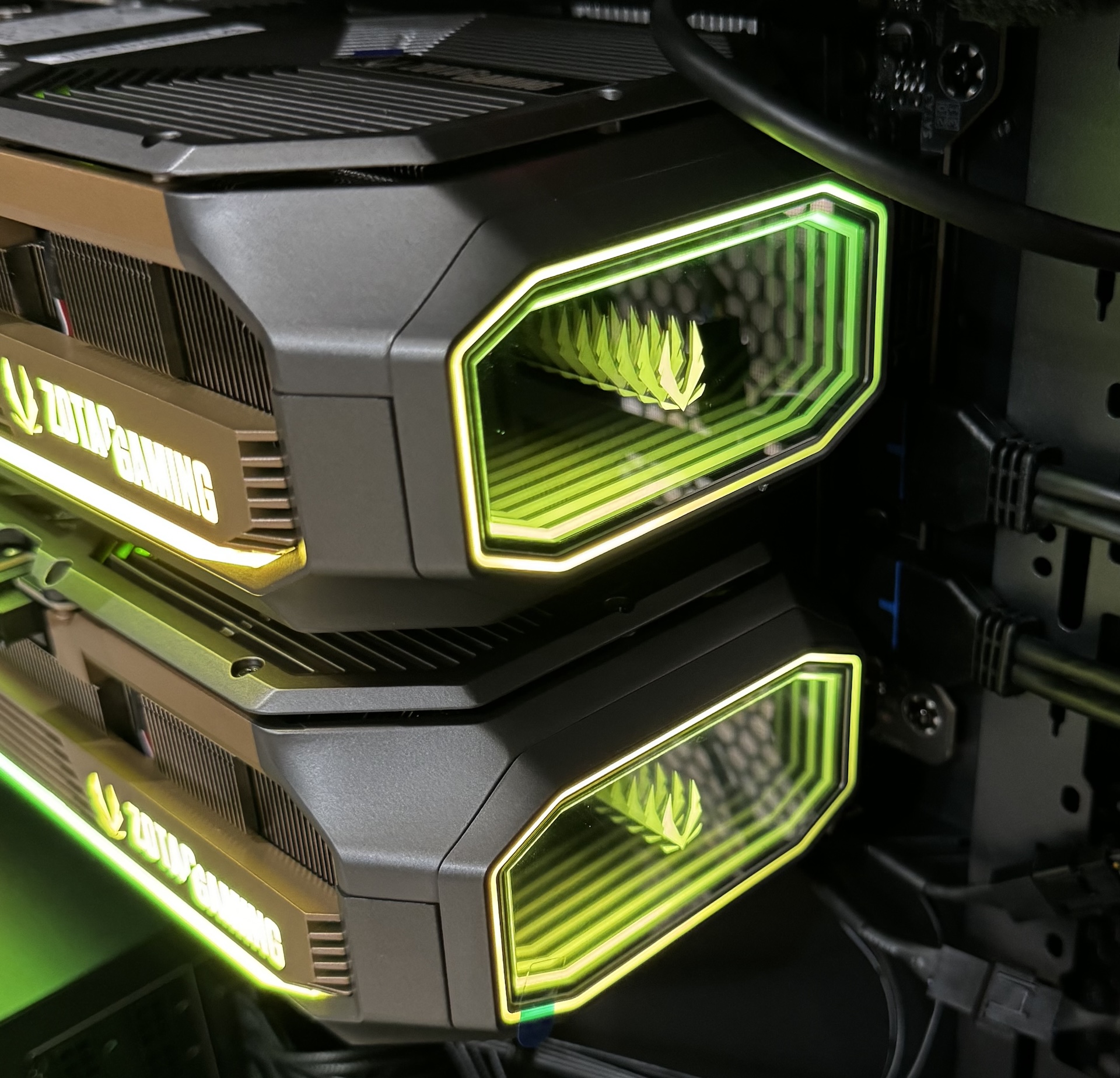
- 2 or 4x RTX PRO 6000 96GB Blackwell GPU
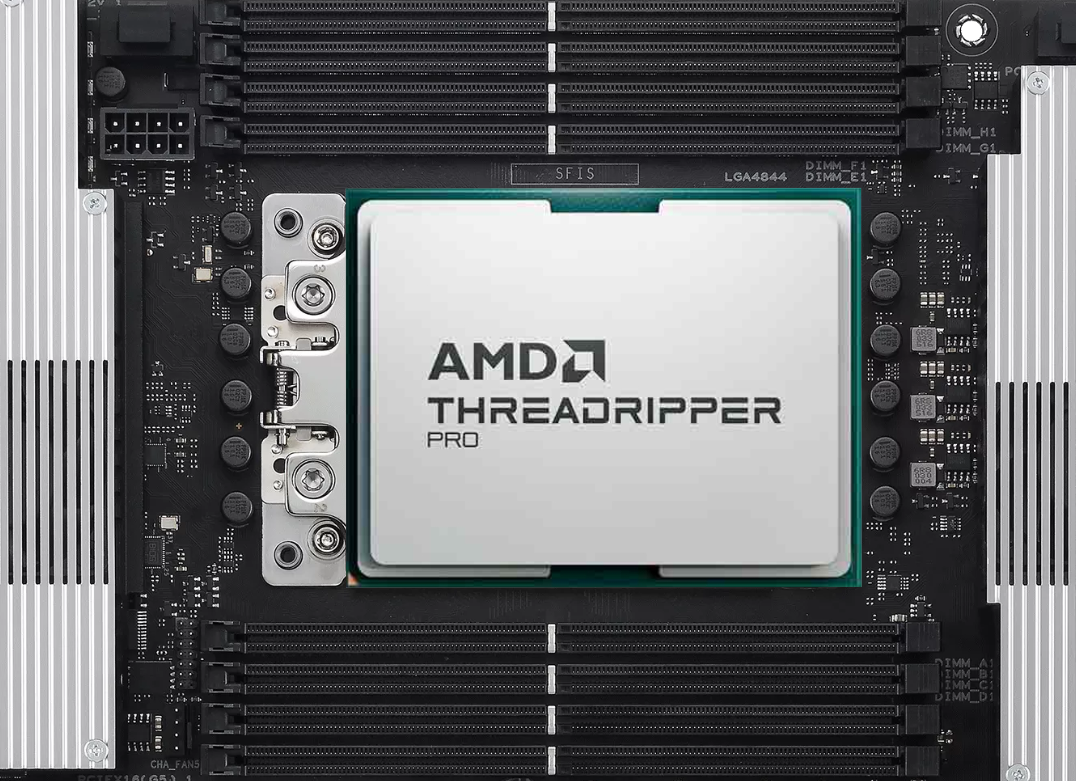
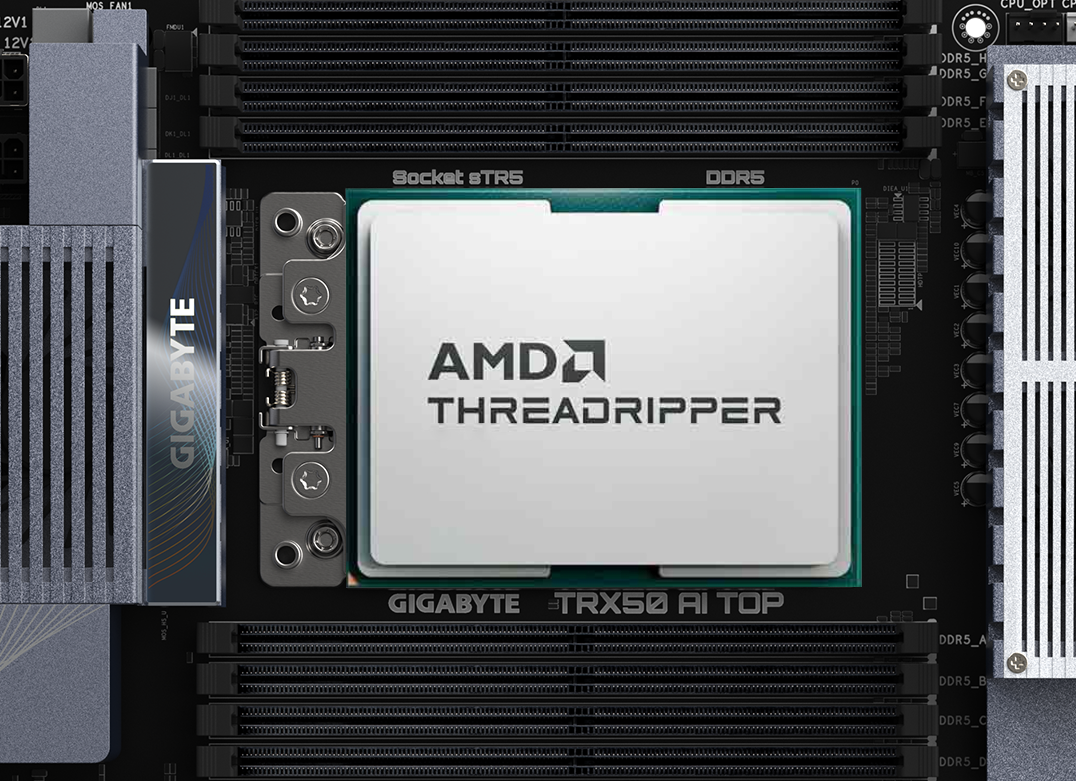
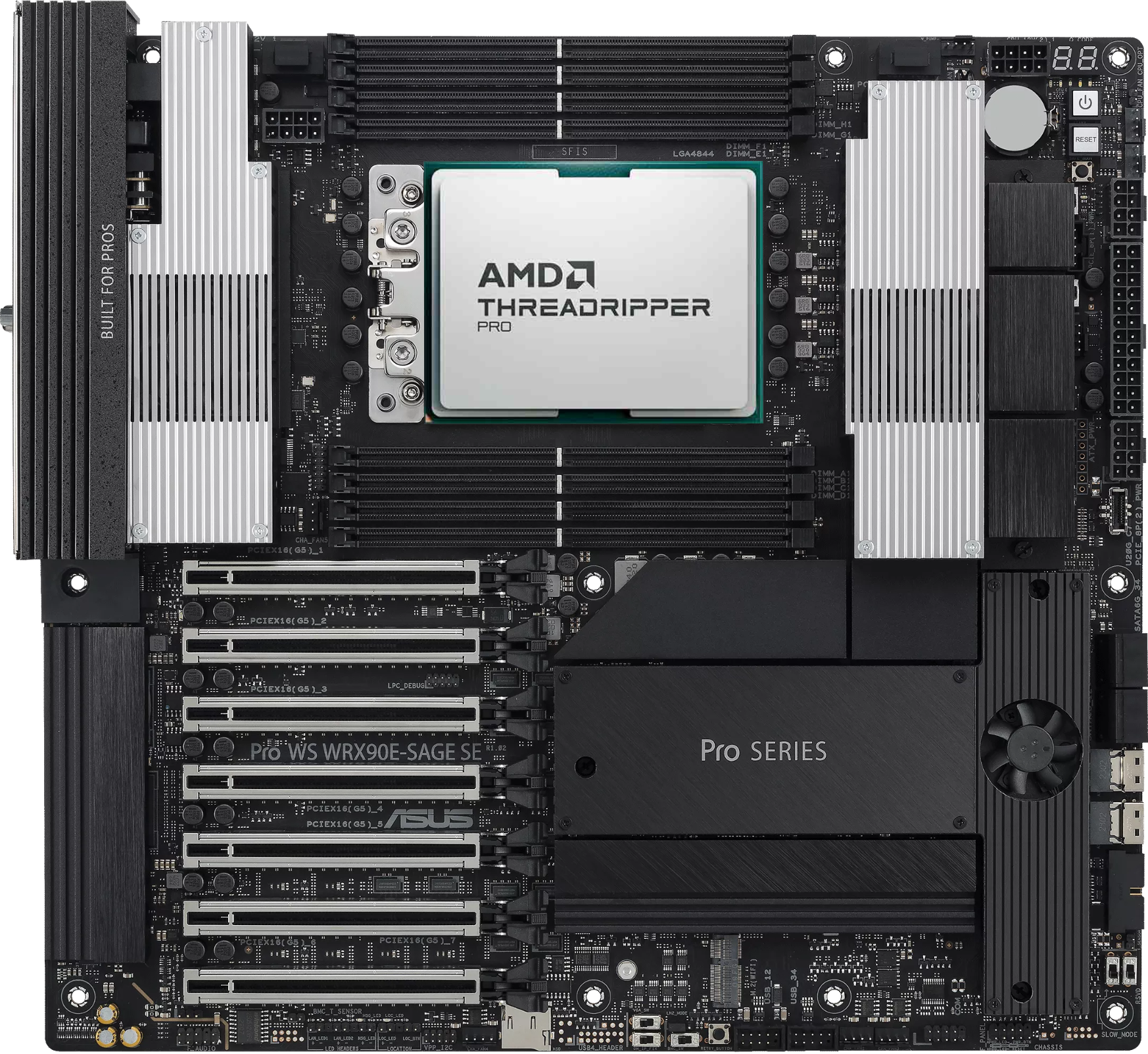
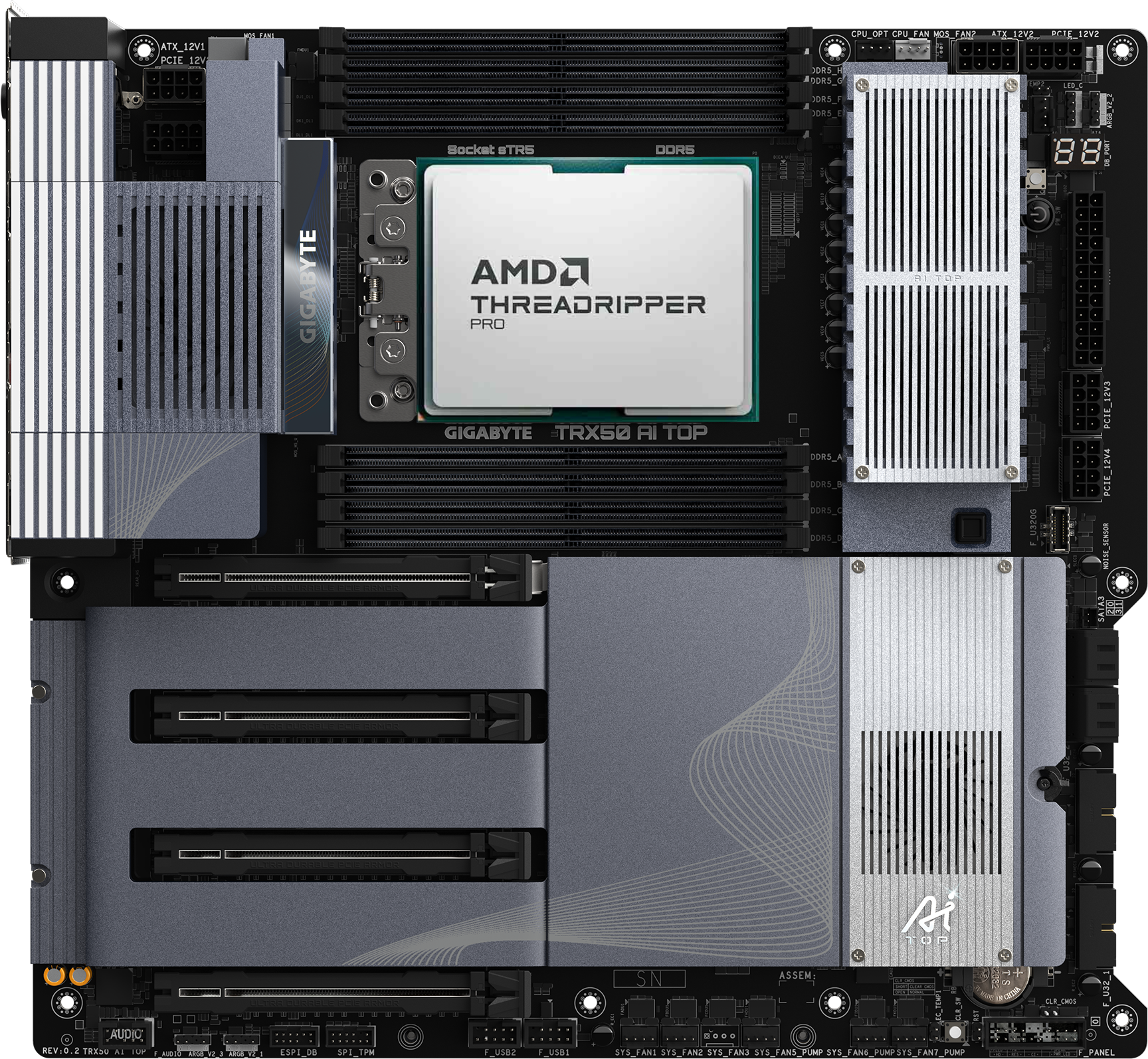
- 32-core AMD TR-PRO 9975WX processor
- 256GB DDR5 ECC memory
- 4TB NVMe SSD storage
- 10Gb Ethernet, BMC remote management
- For LLM model training and inference
- Pre-order, 1–2 weeks

gpt-oss-120b and gpt-oss-20b, Gemma, Llama 70B, and other leading open-weight language models deliver strong real-world performance at low cost. Well suited to on-device applications, local inference, or rapid fine-tuning without expensive infrastructure. The LLM AI Python development environment comes preinstalled, so as soon as your computer arrives, just plug it in and start creating or researching right away.
Configure an AI LLM Workstation Configure a Workstation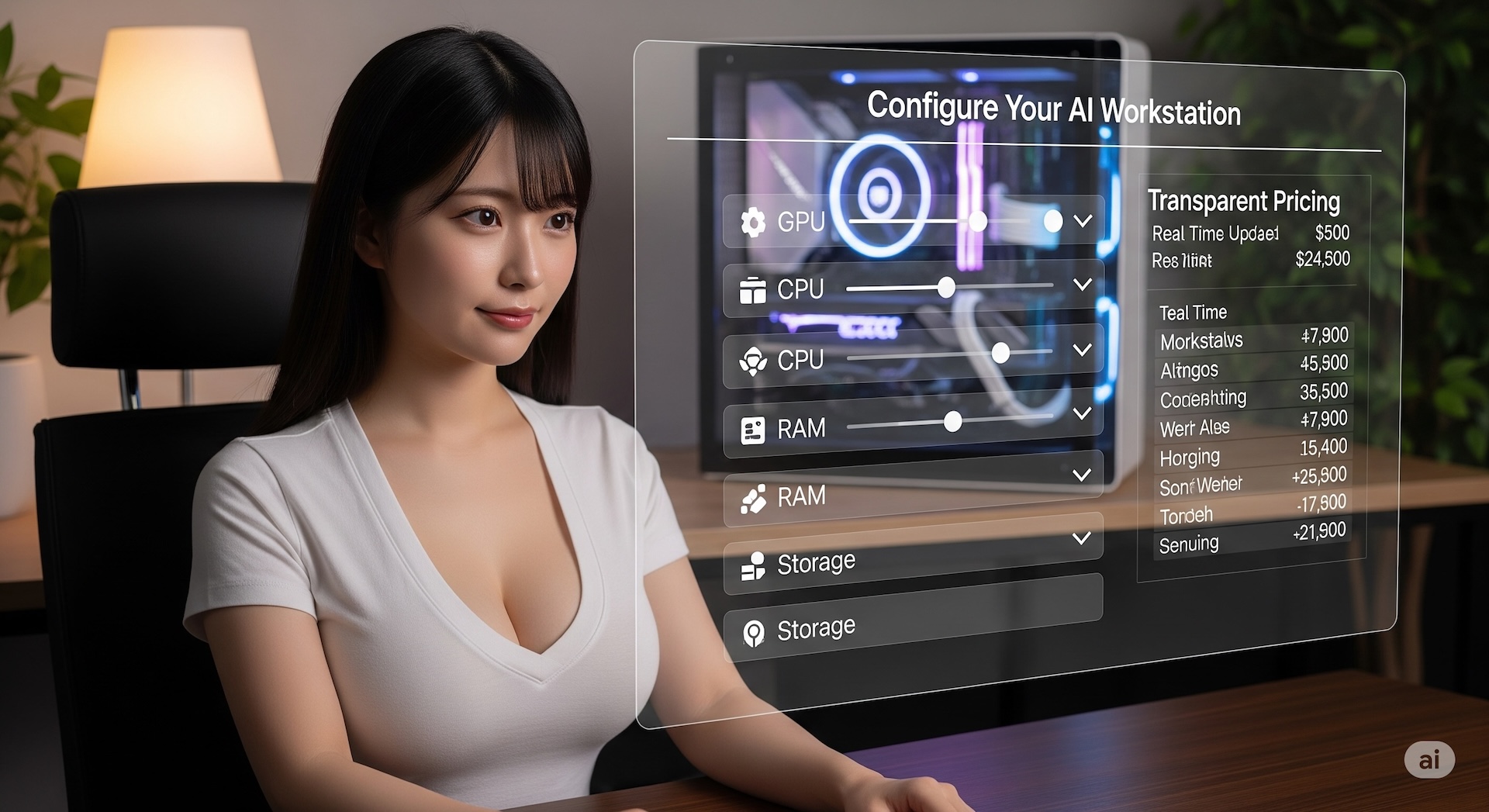
Build your own AI workstation with ease. On the MAQ website, configure top-tier hardware yourself, with fully transparent pricing. From the processor and memory to the latest NVIDIA / AMD AI GPUs, everything is customized to your needs. Even better, machines come with ComfyUI, Stable Diffusion, and various large language model (LLM) AI Python development environments preinstalled — plug in your new computer and start creating or researching right away.
Configure Your Workstation Configure a PC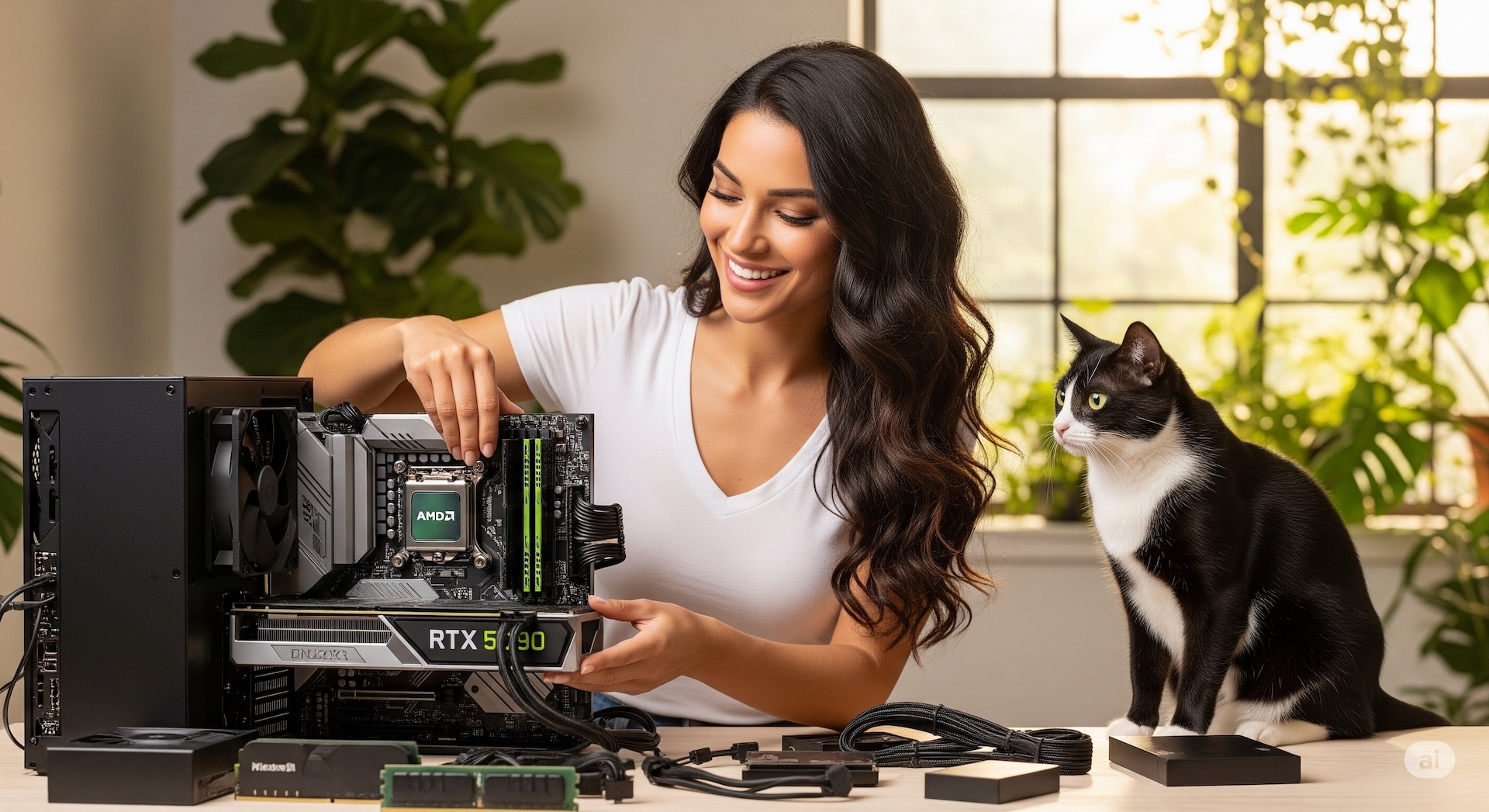
After-sales support means one less thing to worry about. If any system issue comes up, our expert team provides remote assistance to resolve it quickly. If your computer needs repair or an upgrade, we can also provide a loaner unit so your work continues without interruption (available to contracted customers). From pre-sale configuration advice to after-sales use and support, we're with you every step of the way, so you can focus on what matters most without worrying about the technical details.
Configure Your Workstation Configure a PC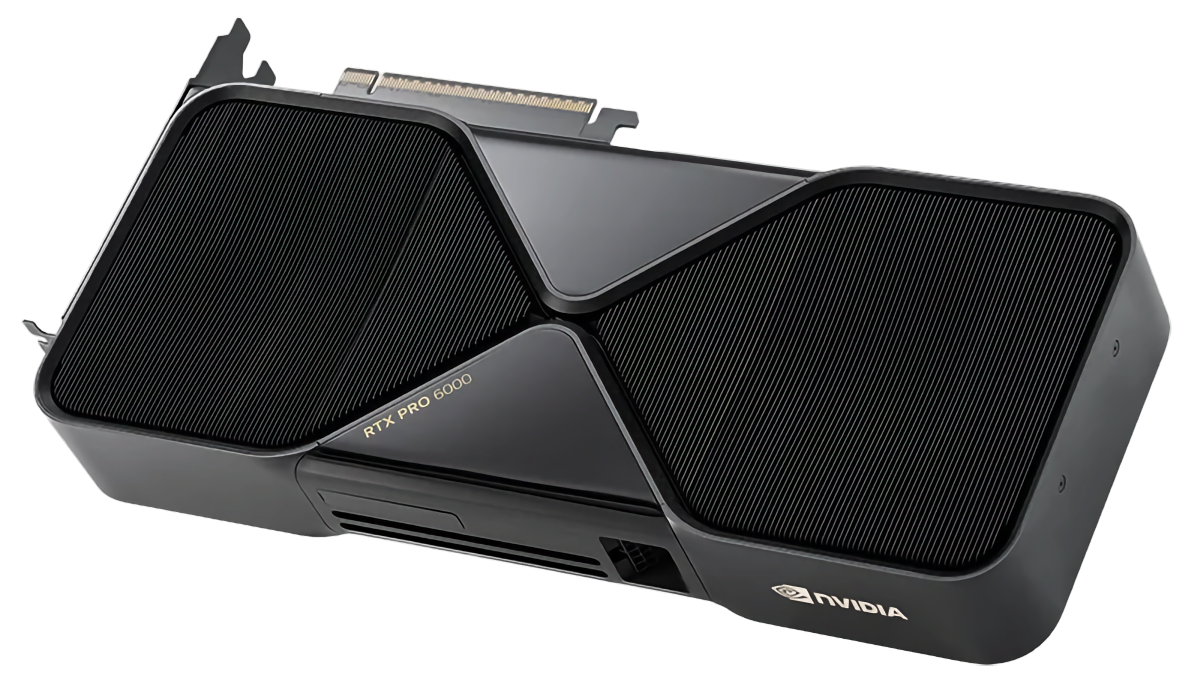

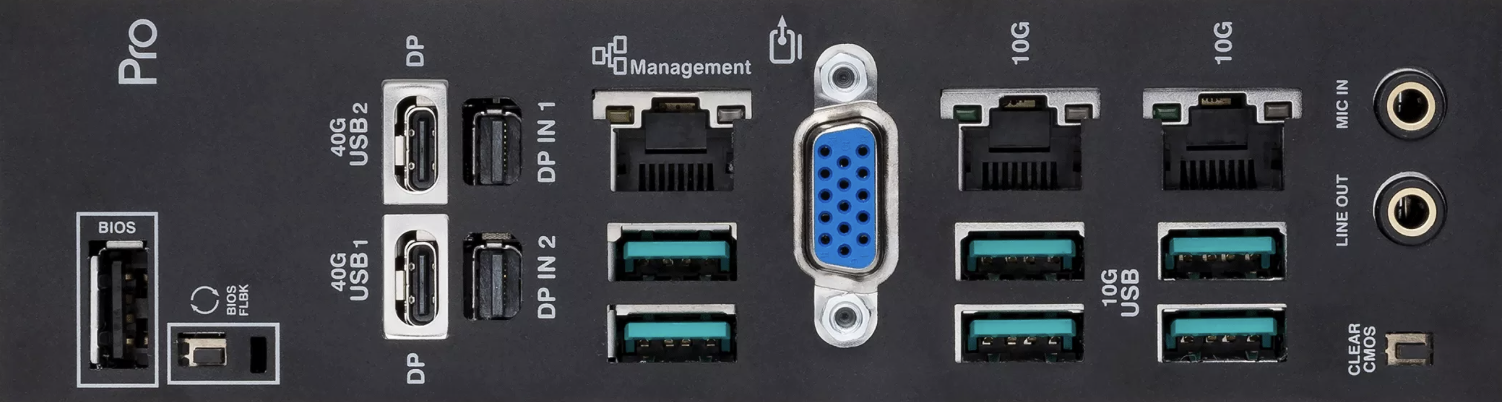
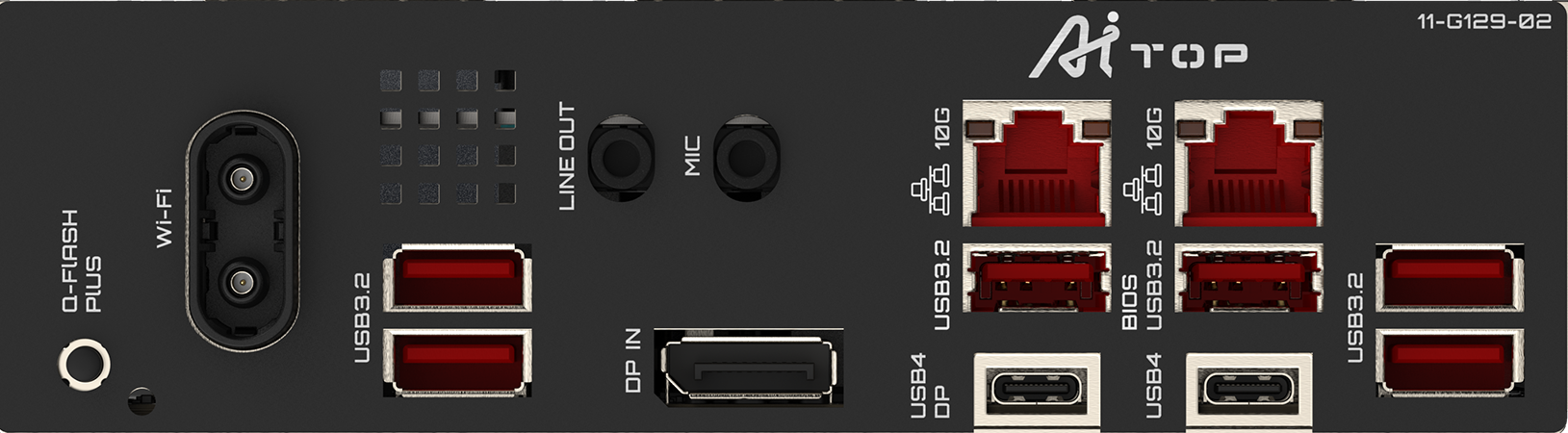
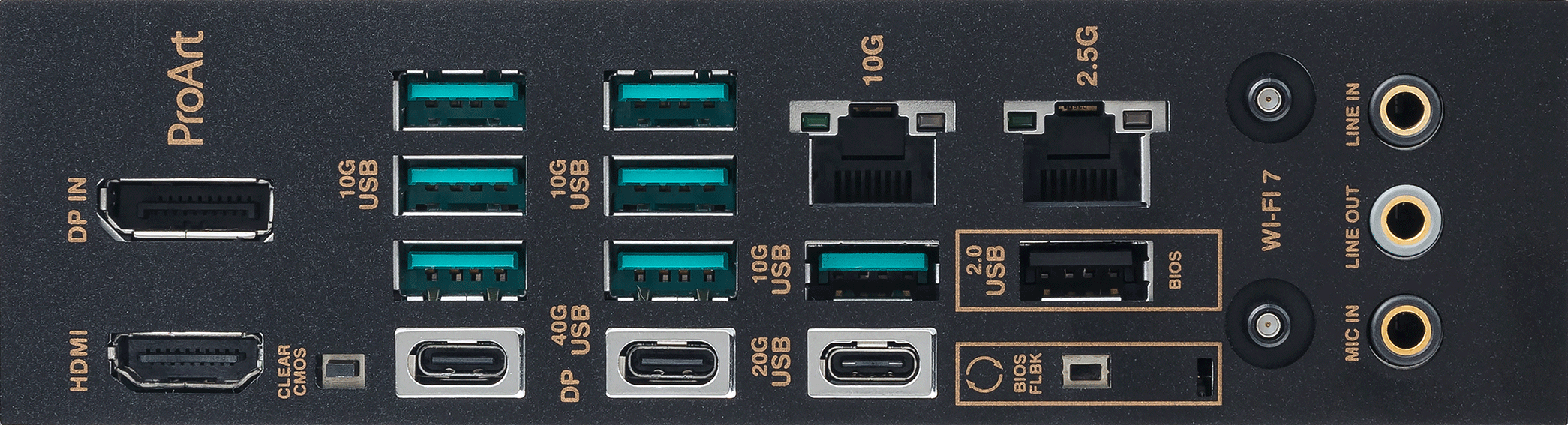
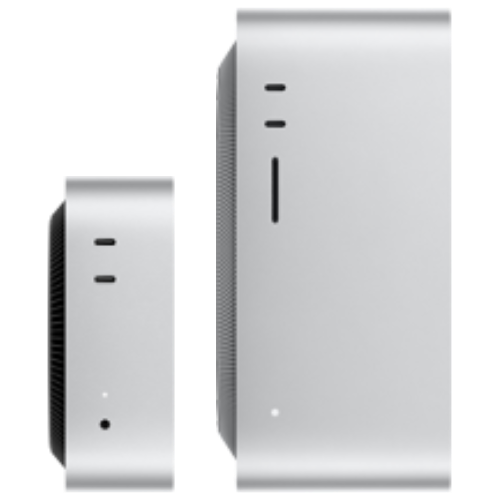
The discrete-GPU path is capped by a single card's VRAM; Apple Silicon instead has the CPU and GPU share one pool of unified memory, all of which is available for inference. To load a 70-billion-parameter-plus model on a single machine, a Mac Studio needs neither multiple GPUs in parallel nor tensor parallelism.
The trade-off is the ecosystem: for training and heavy-volume image generation, the NVIDIA CUDA platform is still more mature. If your work is mainly local inference, private retrieval, and always-on agents, the Mac line's low noise and energy efficiency are real, practical advantages.
The Mac models on this page ship preloaded with MLX, Ollama, and llama.cpp. For the full model lineup and memory-tier comparison, see Mac Workstations.
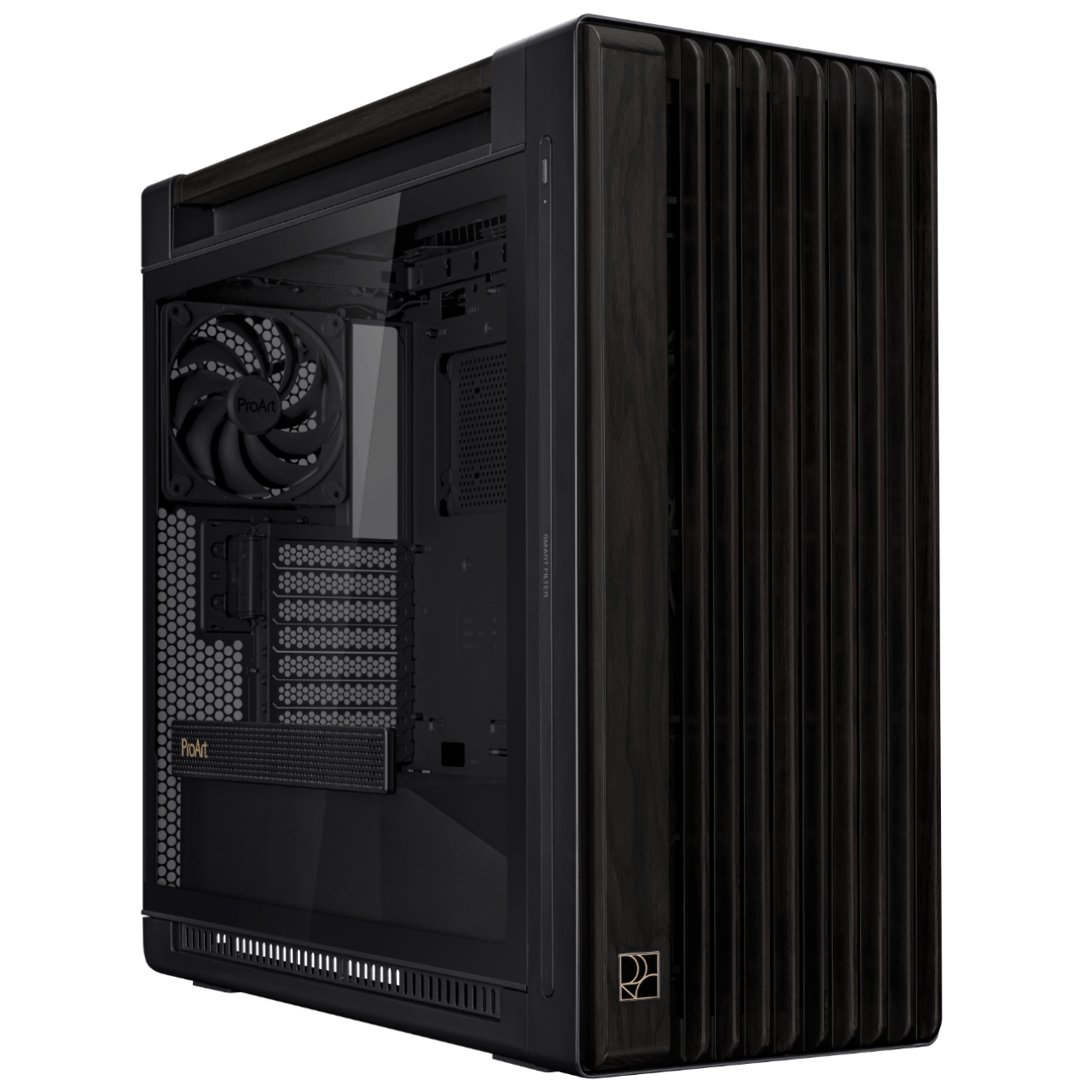
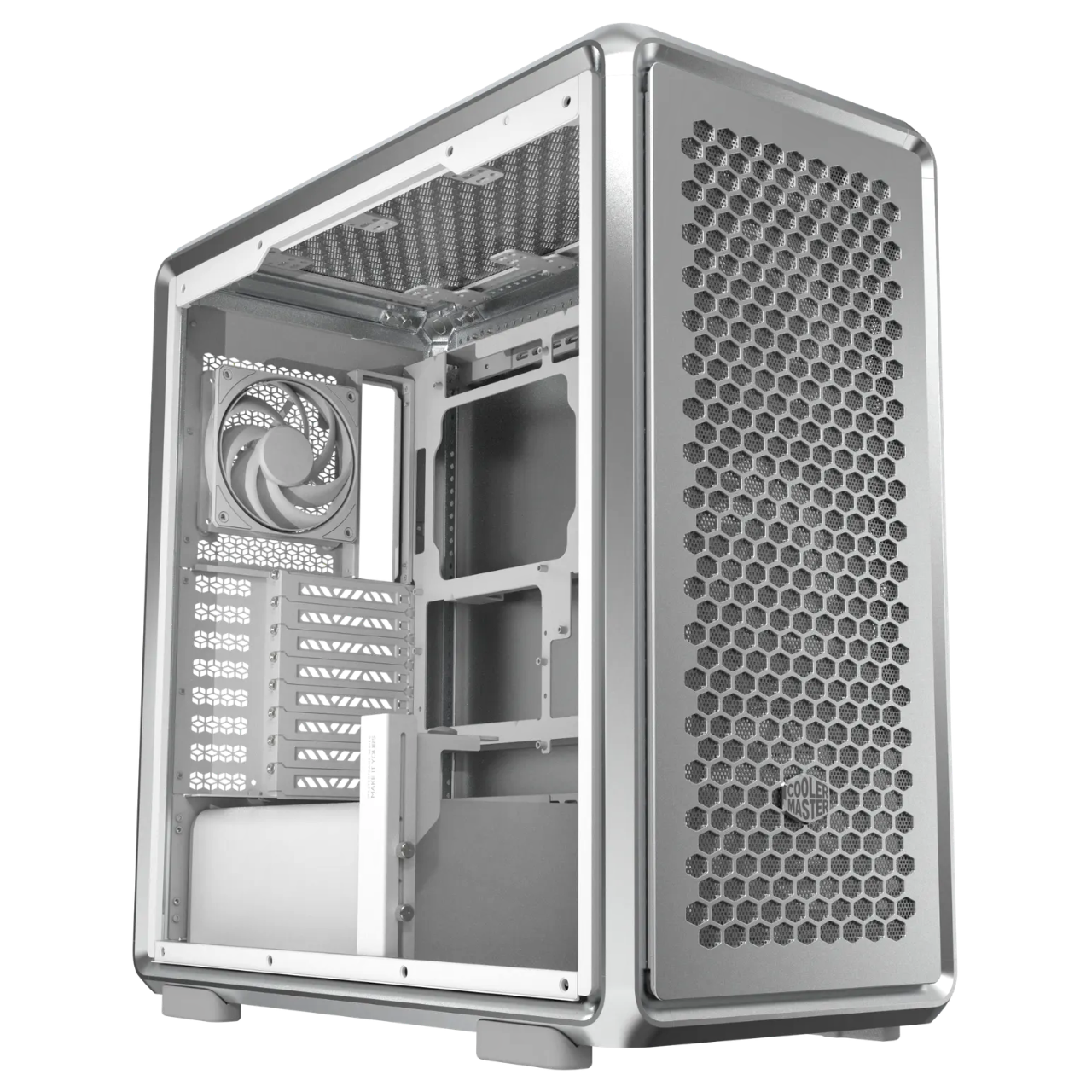
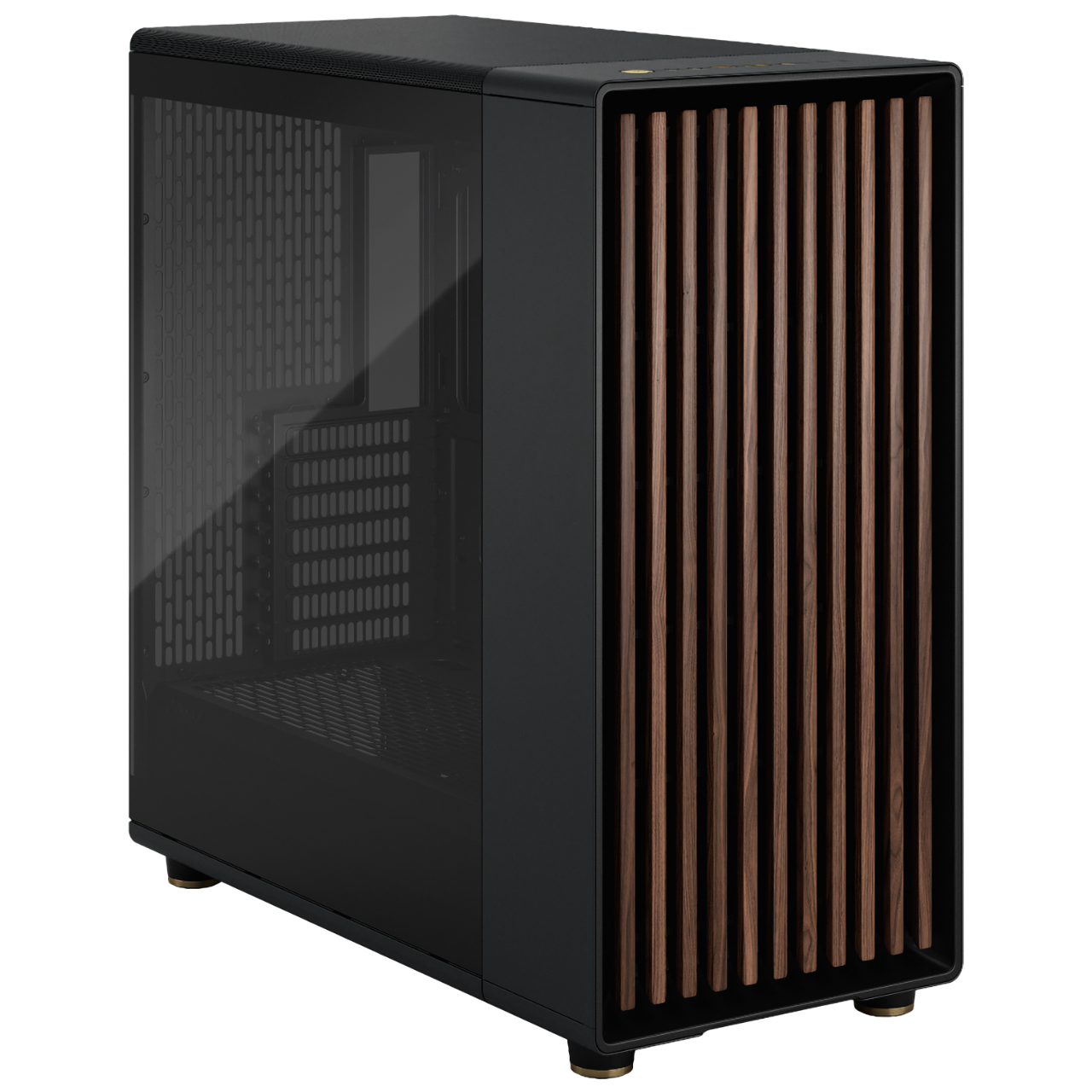
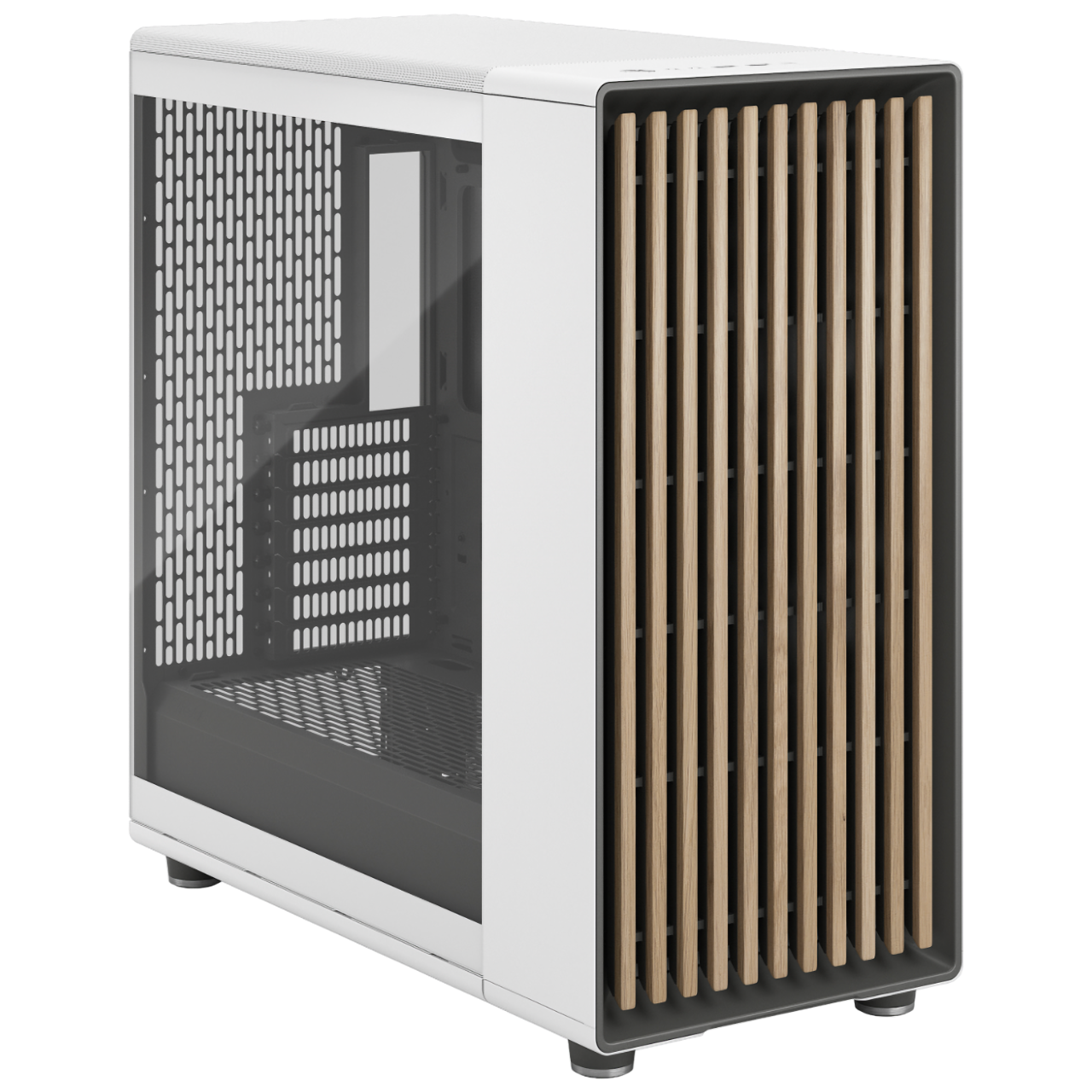
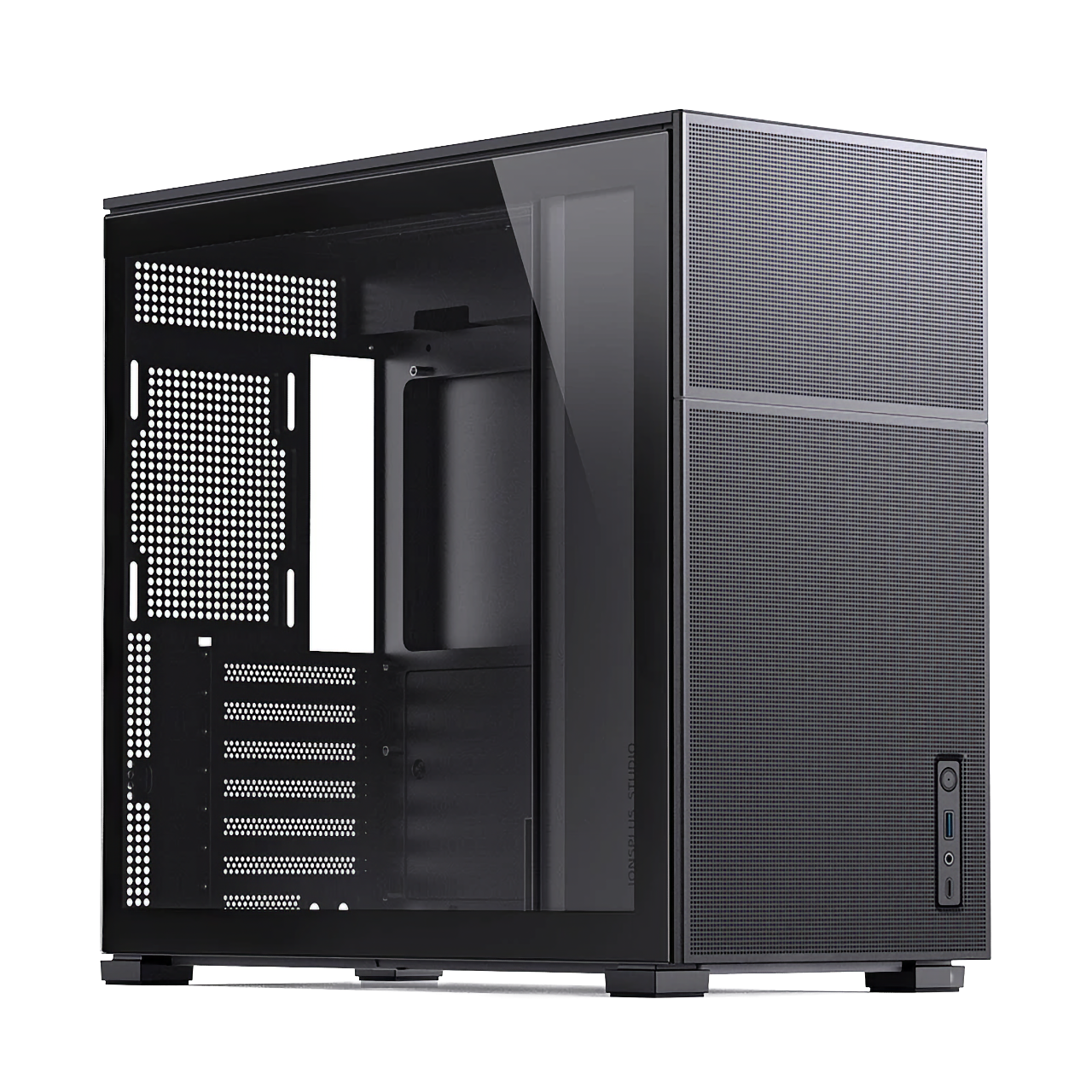
MAQ offers a range of carefully selected PC cases across different price points and sizes to fit your needs — the only difference is that we treat every build with the same care as a handmade car.
Configure Your Own WorkstationDepending on spec, it can run local inference for gpt-oss-20b/120b, Llama 3.3 70B, Qwen3 32B at 4-bit, Gemma 4, and more. The RTX PRO 6000 96GB model can load a quantized 120B model; the 32GB-class models (AI-Medium with two RTX 5060 Ti cards and AI-Medium-Gemma with two RTX 5070 Ti cards, 32GB in total each) smoothly run Gemma 4 26B, gpt-oss-20b and other 20B-class quantized models, or 13B full-precision inference; AI-Medium-Gemma is also the configuration behind MAQ's own AI customer service.
We recommend at least 48GB of GPU VRAM (such as an RTX PRO 5000, or multiple GPUs pooled together), 64GB+ of system RAM, and an NVMe SSD to speed up weight loading. MAQ's AI-High comes standard with an RTX PRO 4500 32GB; to run 70B, select the RTX PRO 5000 72GB graphics card on the order page. For more headroom, see the AI-Highend with an RTX PRO 6000 96GB card.
Machines ship with Ollama, PyTorch, CUDA, vLLM, ComfyUI, and other inference/training frameworks preinstalled, along with agentic AI development tools such as Claude Code, Cursor, Codex CLI, LangGraph, and CrewAI. Depending on the model, matching LLM weight files (such as gpt-oss, Llama, or Gemma) are also preloaded — the machine is ready to use out of the box.
MAQ provides remote technical support, help with the software environment, and a loaner service for contracted customers (a comparable-spec loaner during repairs) to help resolve system issues without interrupting your work. Contracted customers are covered by next-business-day on-site service anywhere in Taiwan.
If you mainly work in macOS with the MLX framework, or edit 4K/8K video, a Mac Studio's high unified memory (up to 512GB) and low power draw are a good fit. If you need the CUDA ecosystem (PyTorch training, ComfyUI, vLLM), an RTX workstation is the better choice.
Yes. MAQ uses standard ATX cases and industrial-grade power supplies, so the GPU, memory, and SSD can all be upgraded later — by you or through us — avoiding the lock-in of an all-in-one machine.
MAQ accepts cash, bank transfer, one-time online credit card payment, Apple Pay, online Cathay United Bank credit card installments (3, 6 or 12 months, with an additional installment fee), and Chailease Silver Horn (銀角零卡) card-free installment shopping. Please contact us for details.