
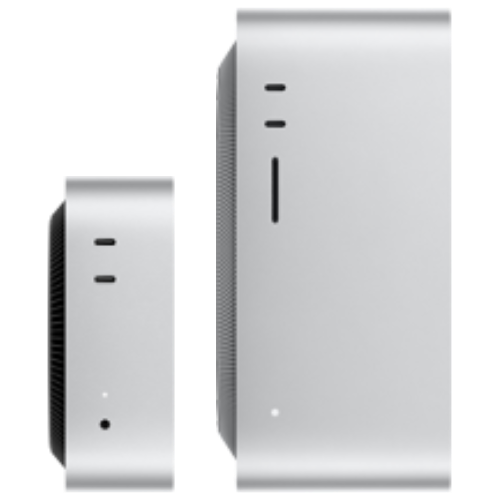
Mac mini Best for AI Agents
- Apple Silicon M6 chip
- 12-core CPU, 12-core GPU
- 24GB unified memory
- 512GB SSD storage
- 3x Thunderbolt 4 ports, Wi-Fi 7, Bluetooth 6, 2.5G Ethernet
- MAQ remote support service
- Pre-order, ships in 3 weeks
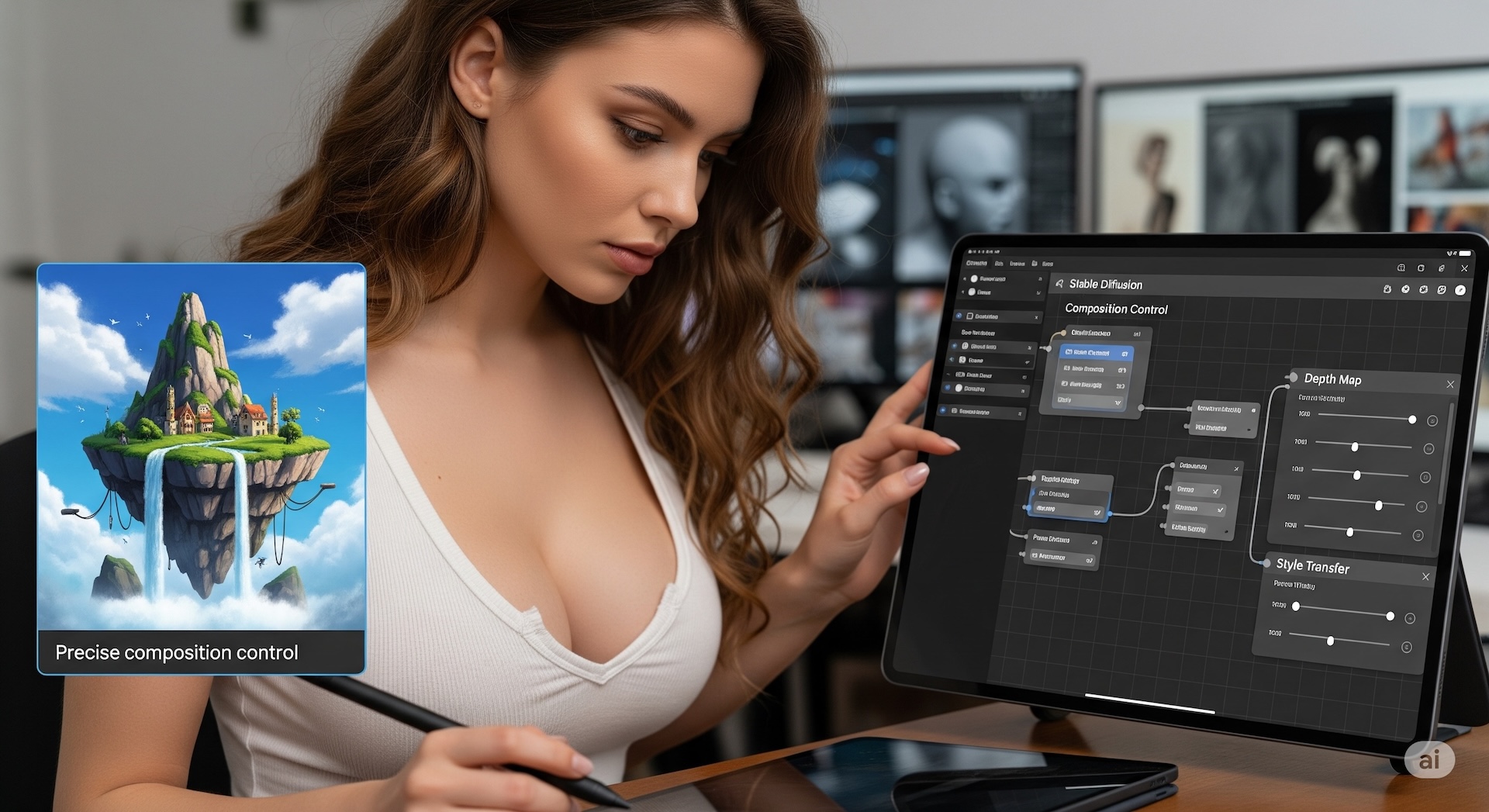
Stable Diffusion is an AI model that turns text into images, able to create photorealistic images from almost any text description. Its advanced version, Stable Diffusion XL, uses a larger network to produce even higher-quality images. With ComfyUI, Stable Diffusion, and other AI development environments preinstalled, just plug in your computer and start creating or researching right away. If any system issue comes up, our expert team provides remote assistance to resolve it quickly.
Configure a Stable Diffusion AI Workstation Configure an SD PC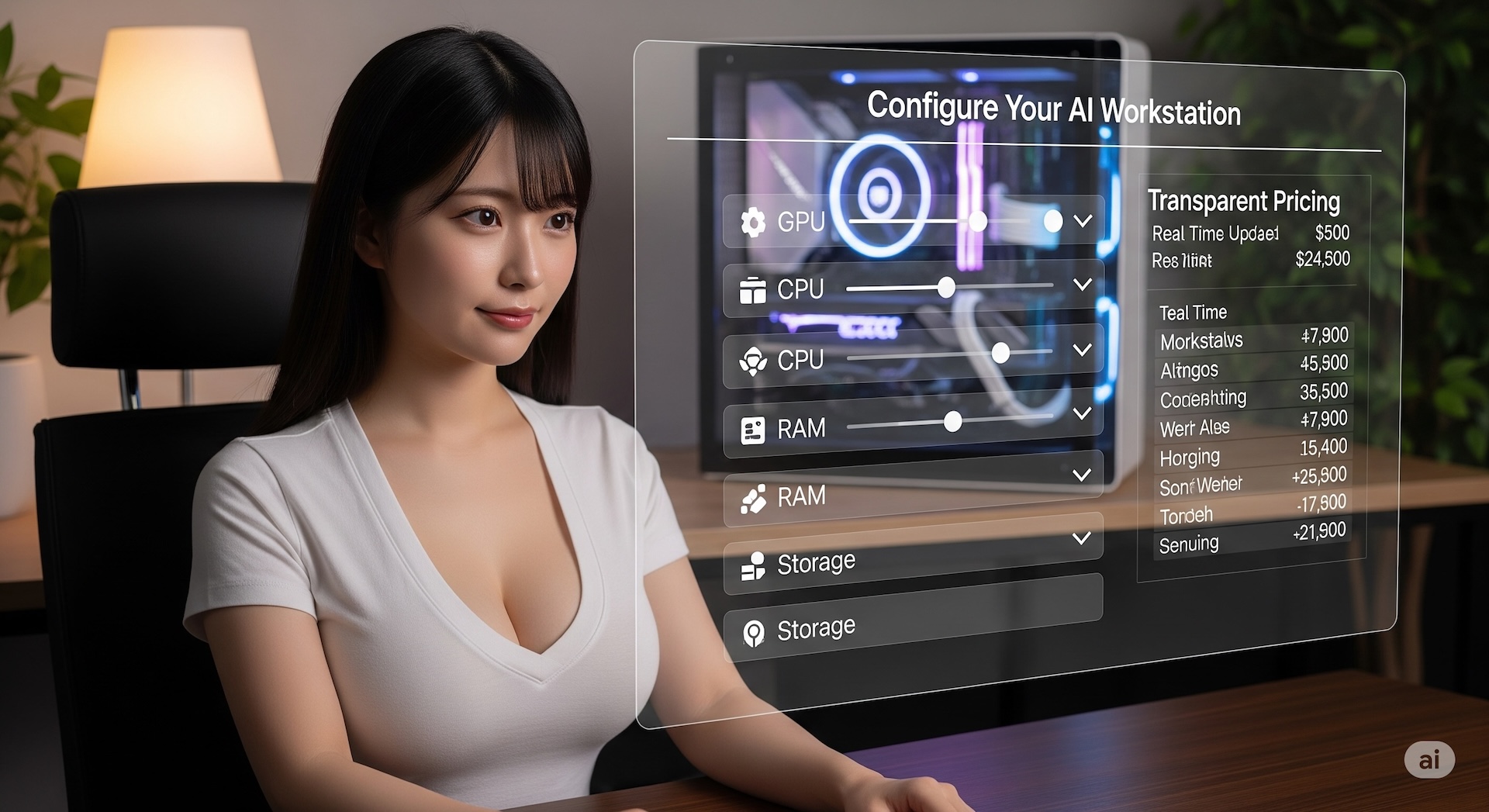
Build your own AI workstation with ease. On the MAQ website, configure top-tier hardware yourself, with fully transparent pricing. From the processor and memory to the latest NVIDIA / AMD AI GPUs, everything is customized to your needs. Even better, machines come with ComfyUI, Stable Diffusion, and various large language model (LLM) AI Python development environments preinstalled — plug in your new computer and start creating or researching right away.
Configure Your Workstation Configure a PC
After-sales support means one less thing to worry about. If any system issue comes up, our expert team provides remote assistance to resolve it quickly. If your computer needs repair or an upgrade, we can also provide a loaner unit so your work continues without interruption (available to contracted customers). From pre-sale configuration advice to after-sales use and support, we're with you every step of the way, so you can focus on what matters most without worrying about the technical details.
Configure Your Workstation Configure a PC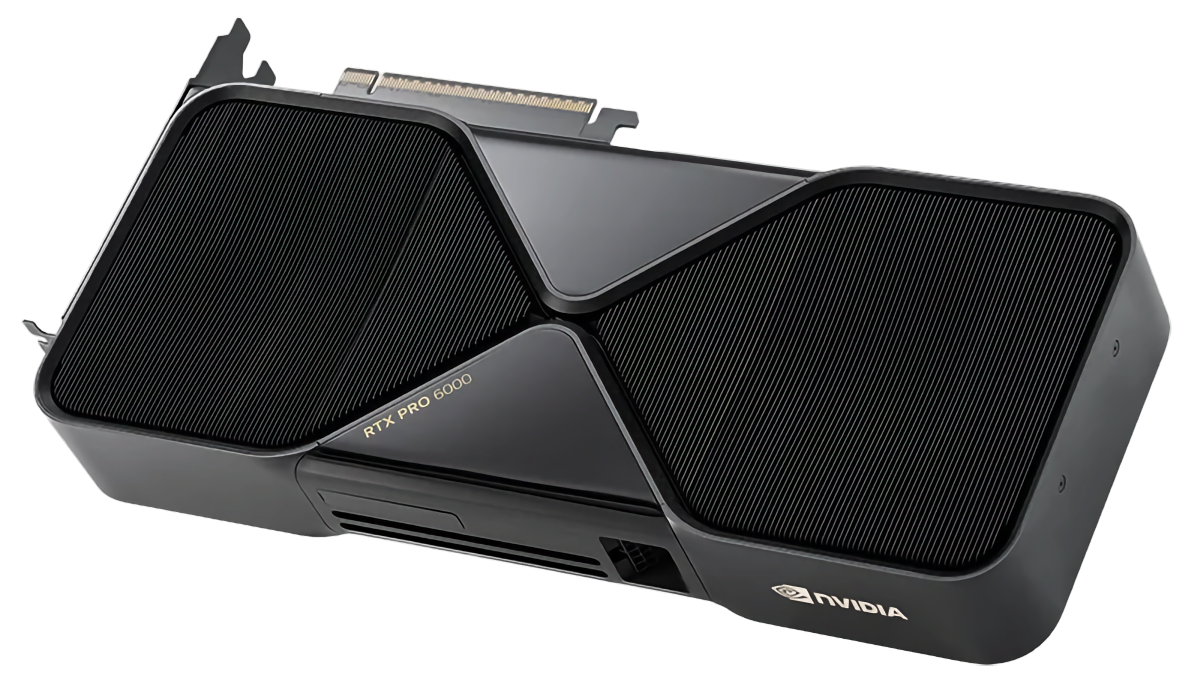
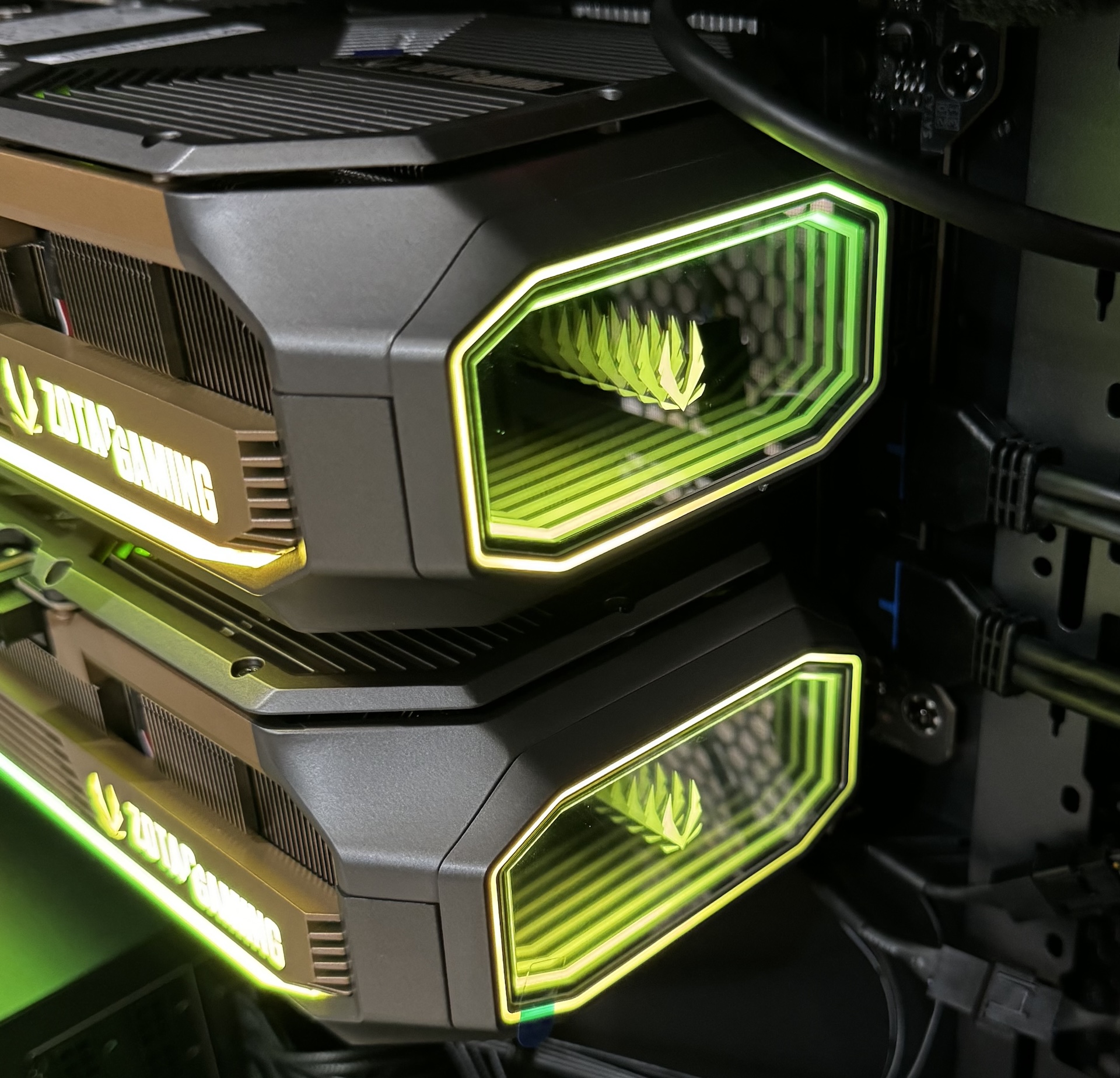
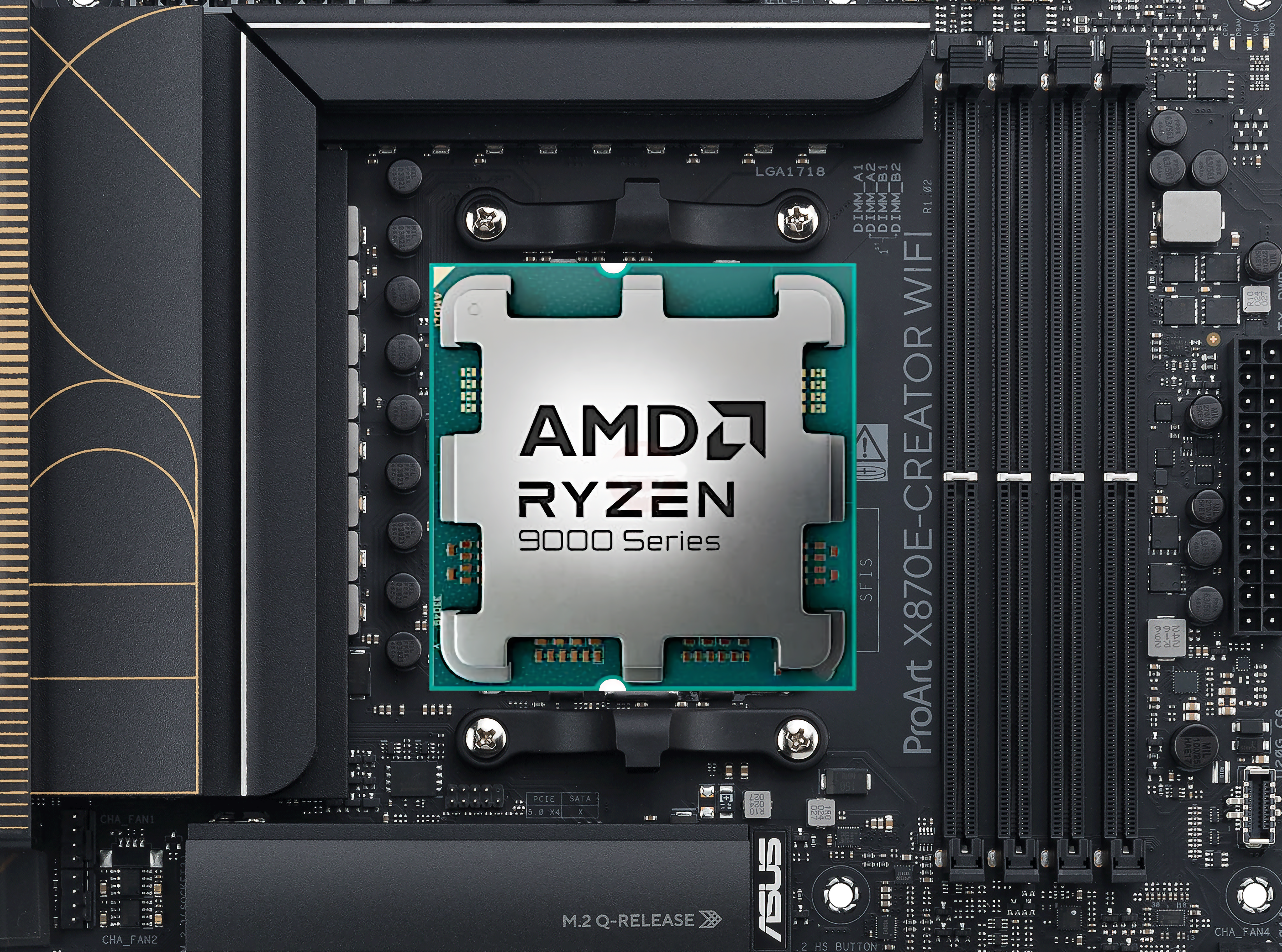

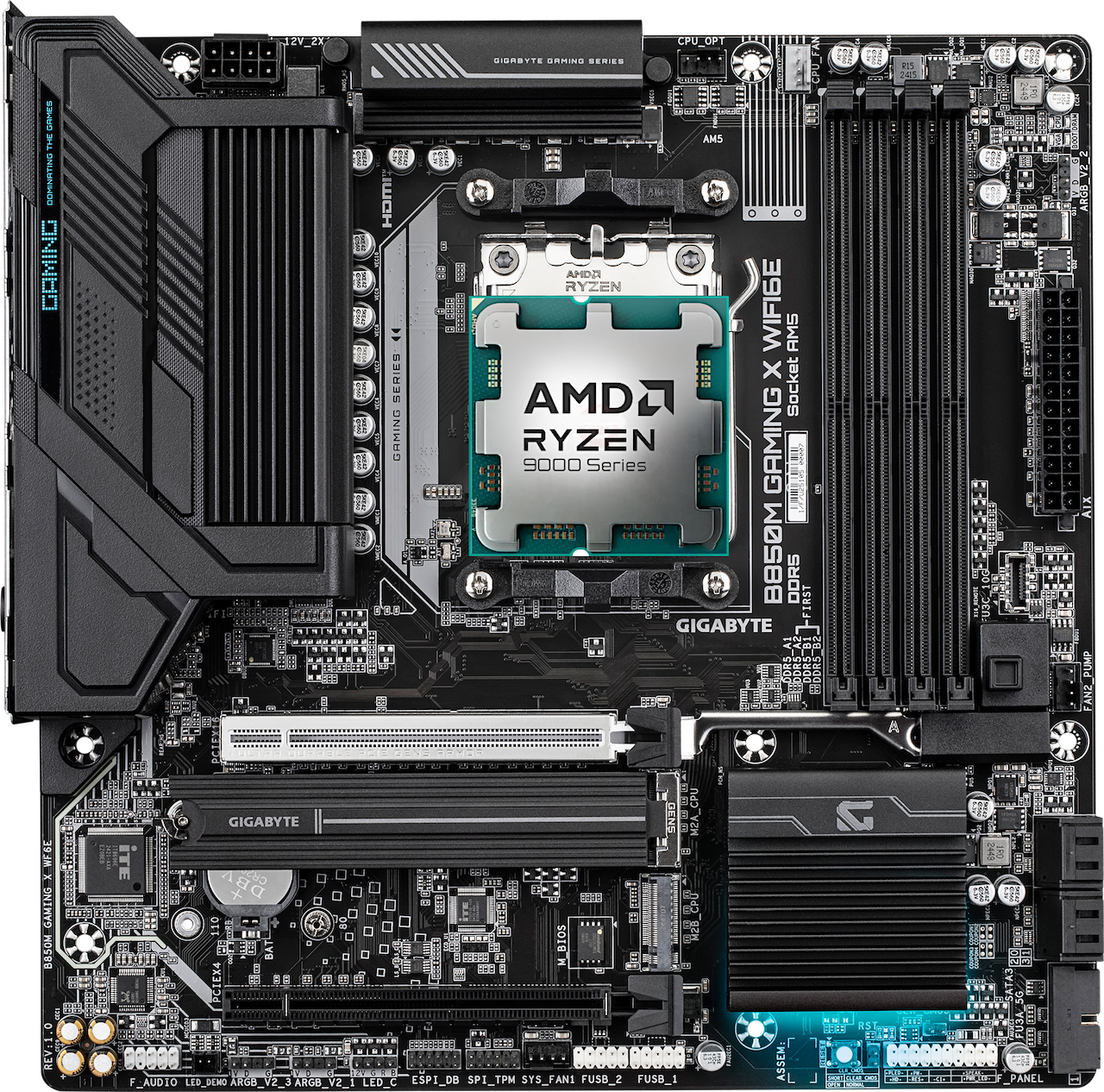
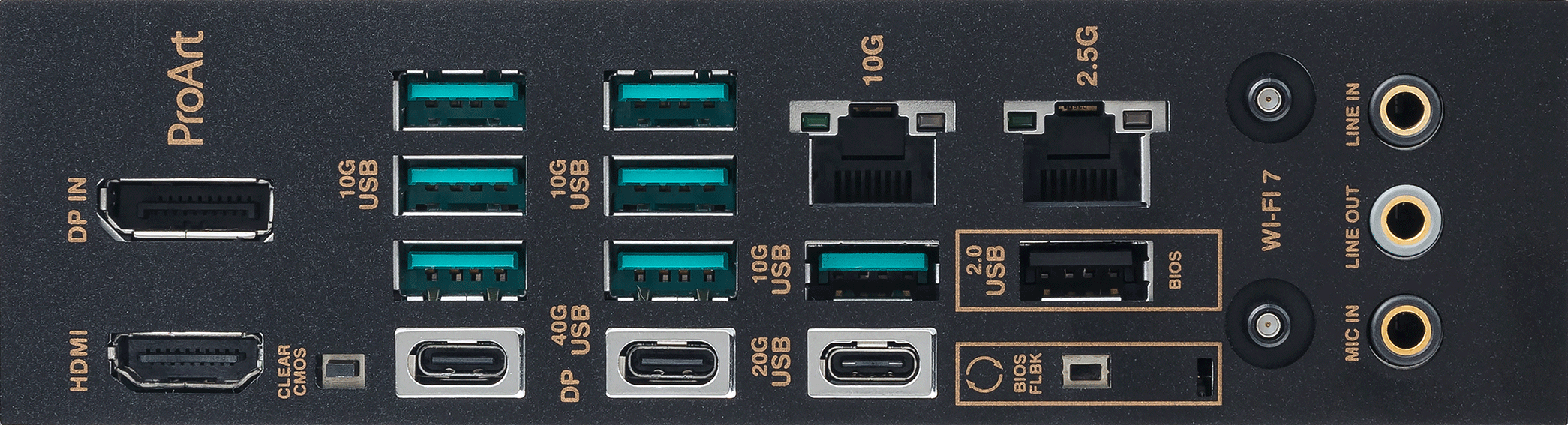
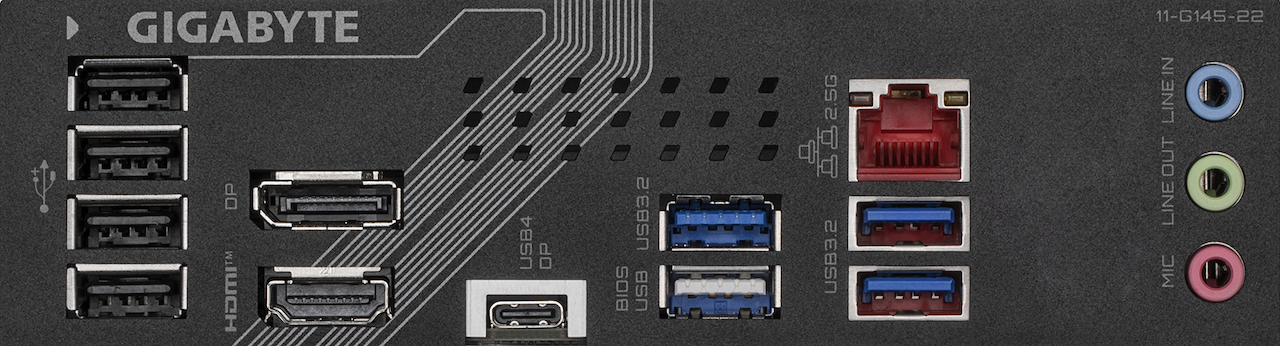
The discrete-GPU path is capped by a single card's VRAM; Apple Silicon instead has the CPU and GPU share one pool of unified memory, all of which is available for inference. To load a 70-billion-parameter-plus model on a single machine, a Mac Studio needs neither multiple GPUs in parallel nor tensor parallelism.
The trade-off is the ecosystem: for training and heavy-volume image generation, the NVIDIA CUDA platform is still more mature. If your work is mainly local inference, private retrieval, and always-on agents, the Mac line's low noise and energy efficiency are real, practical advantages.
The Mac models on this page ship preloaded with MLX, Ollama, and llama.cpp. For the full model lineup and memory-tier comparison, see Mac Workstations.
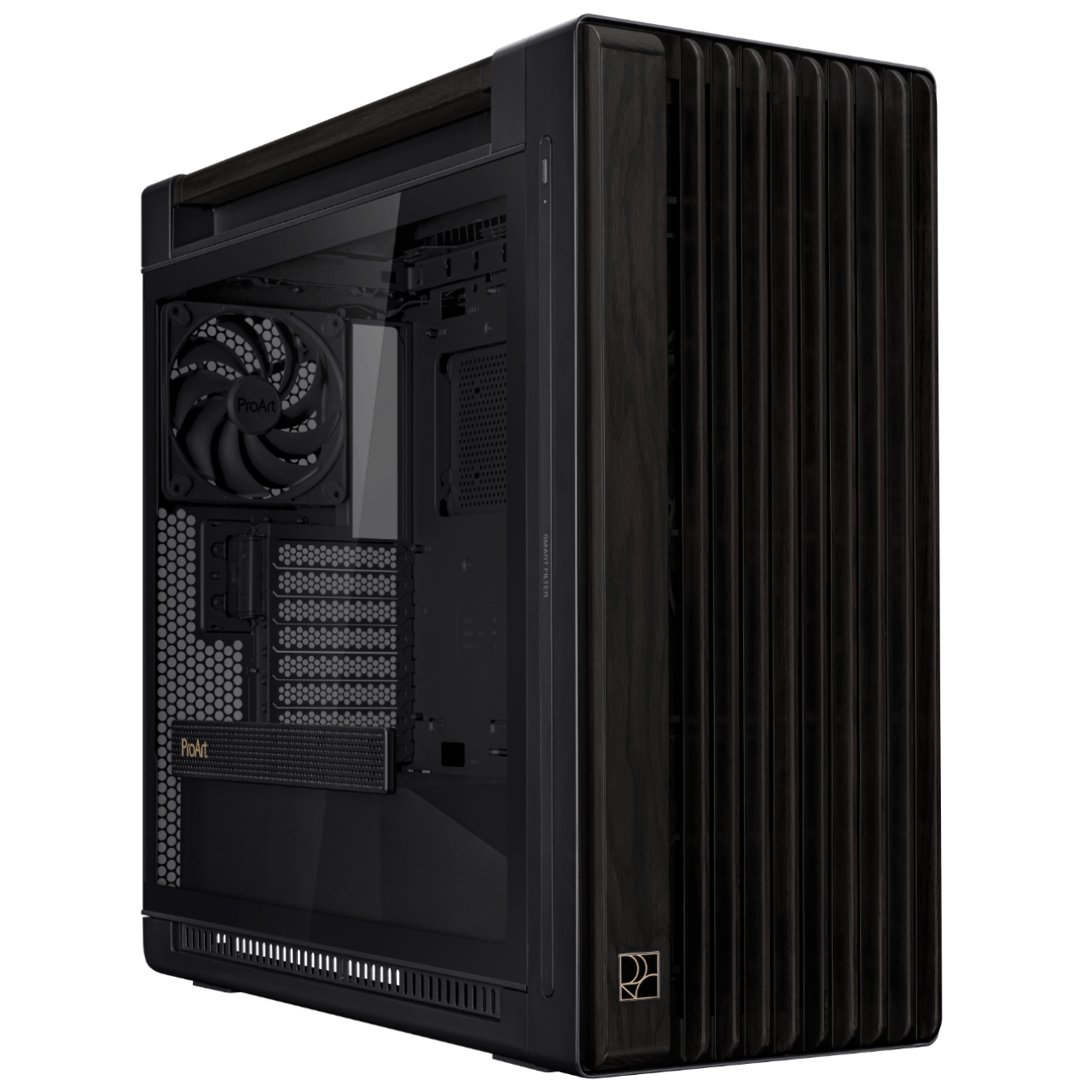
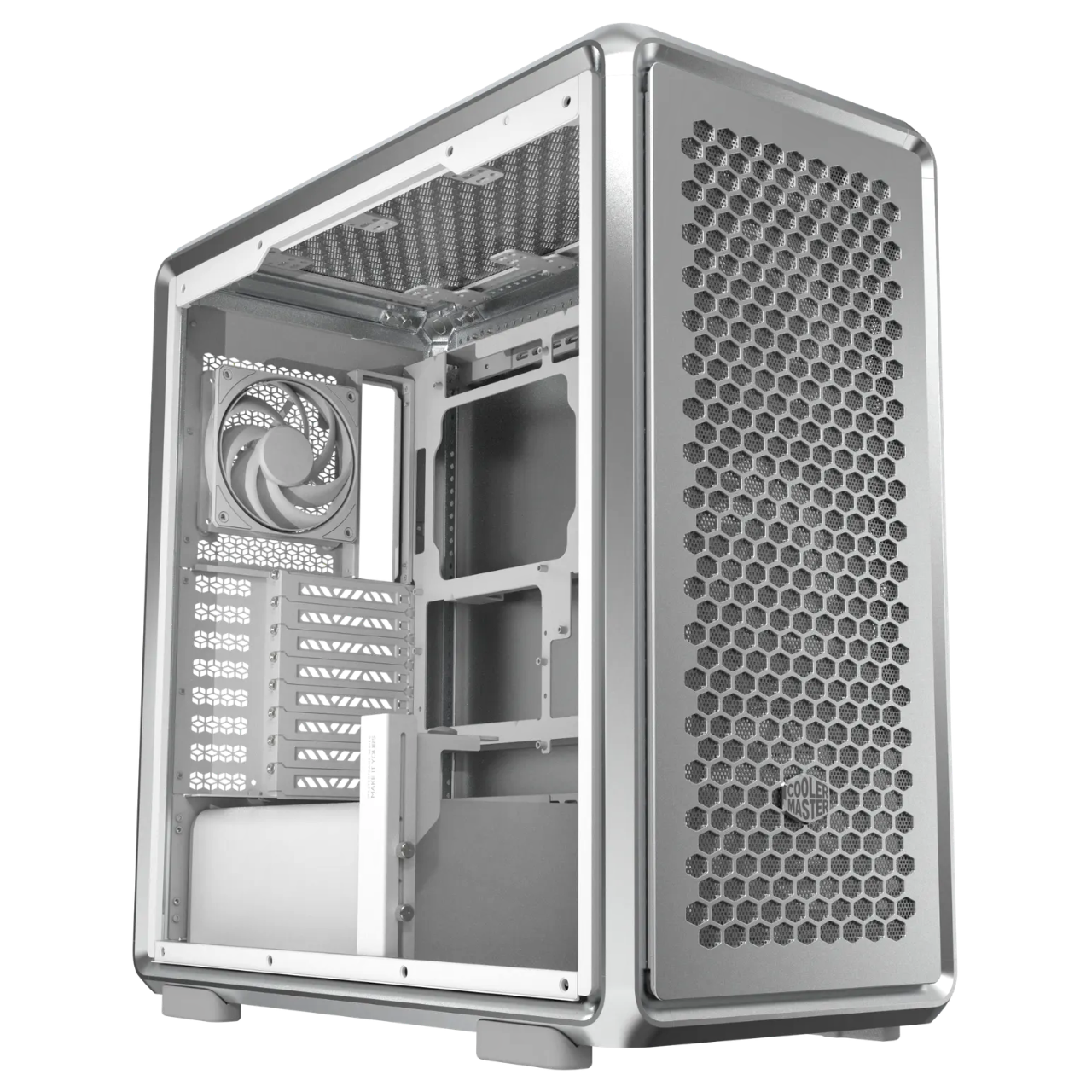
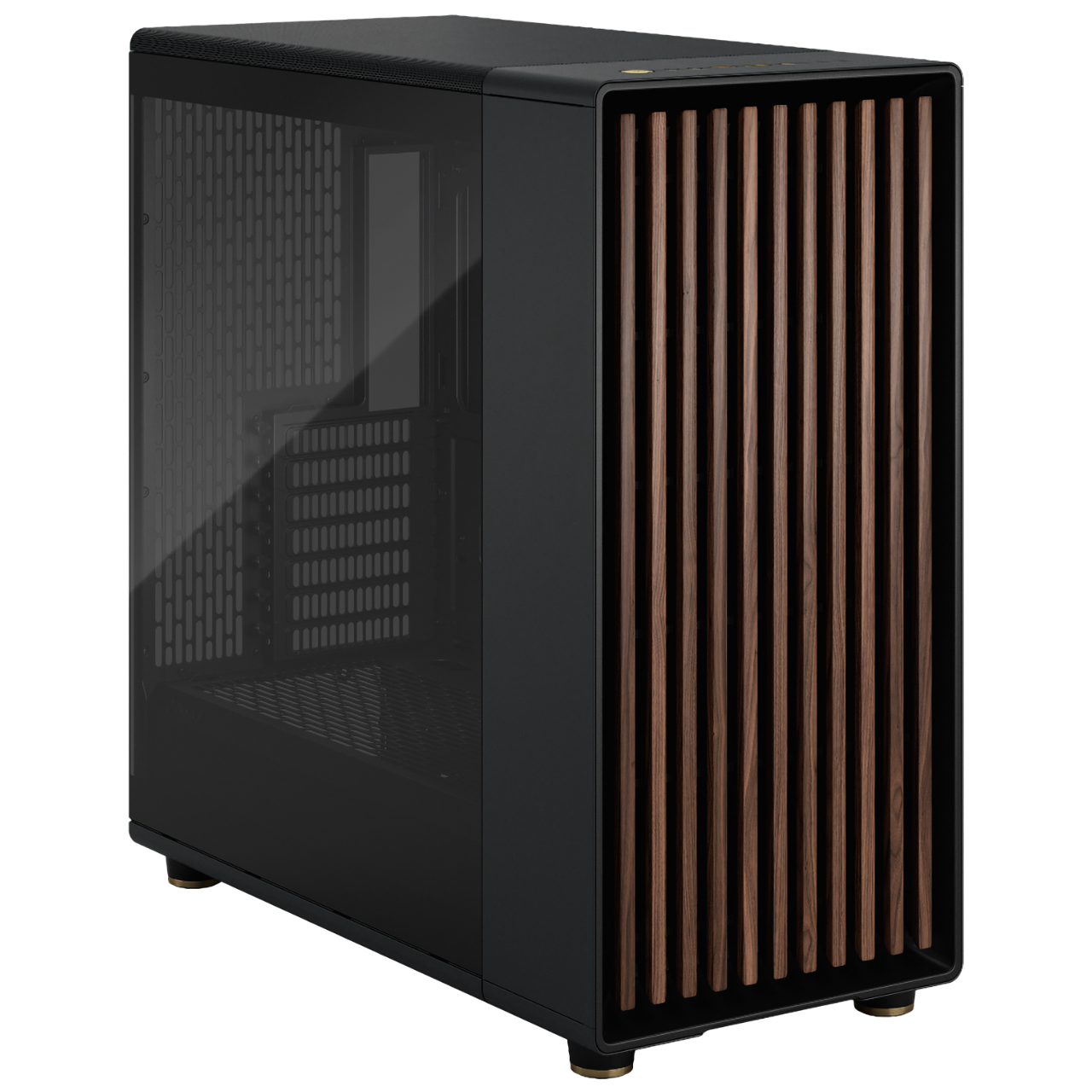
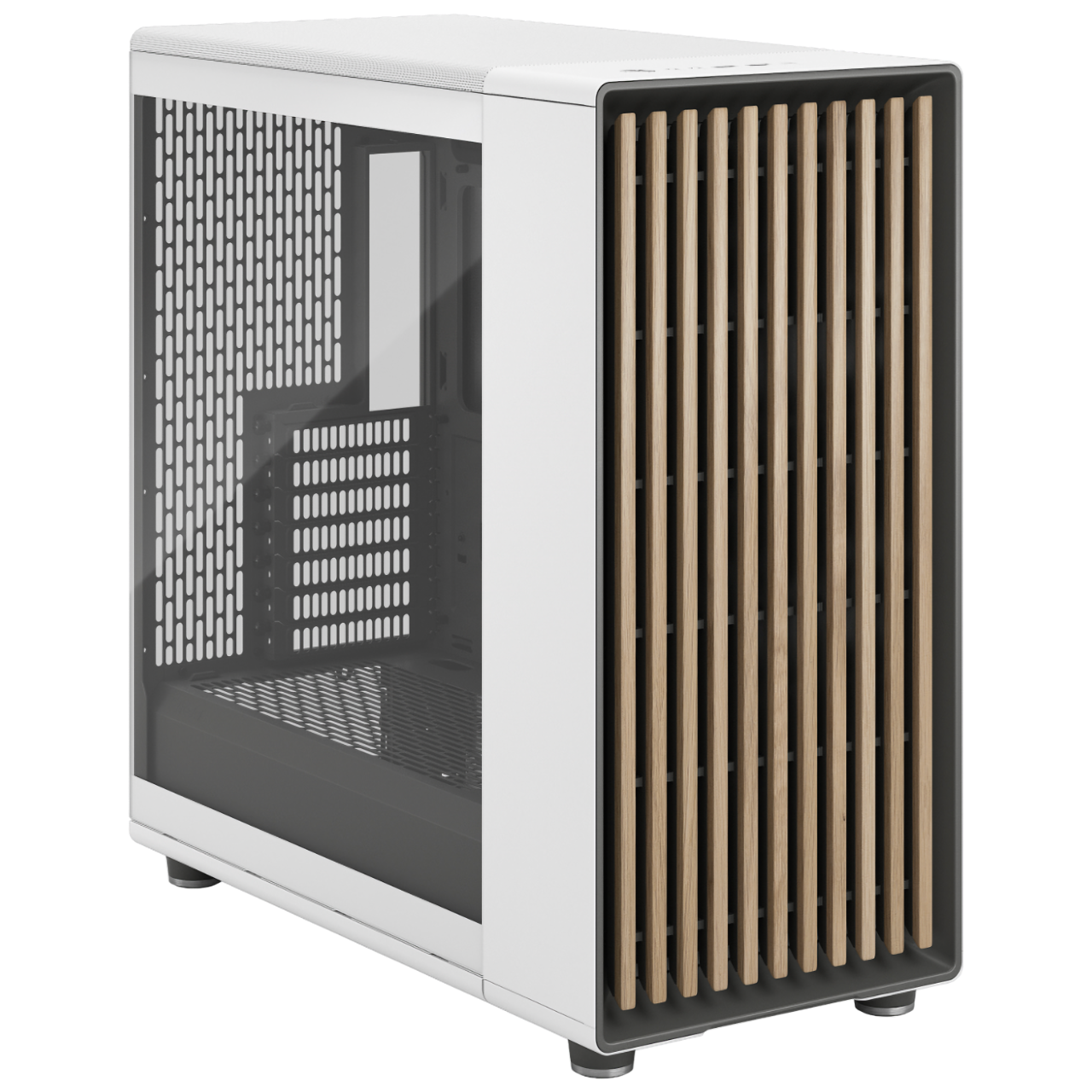
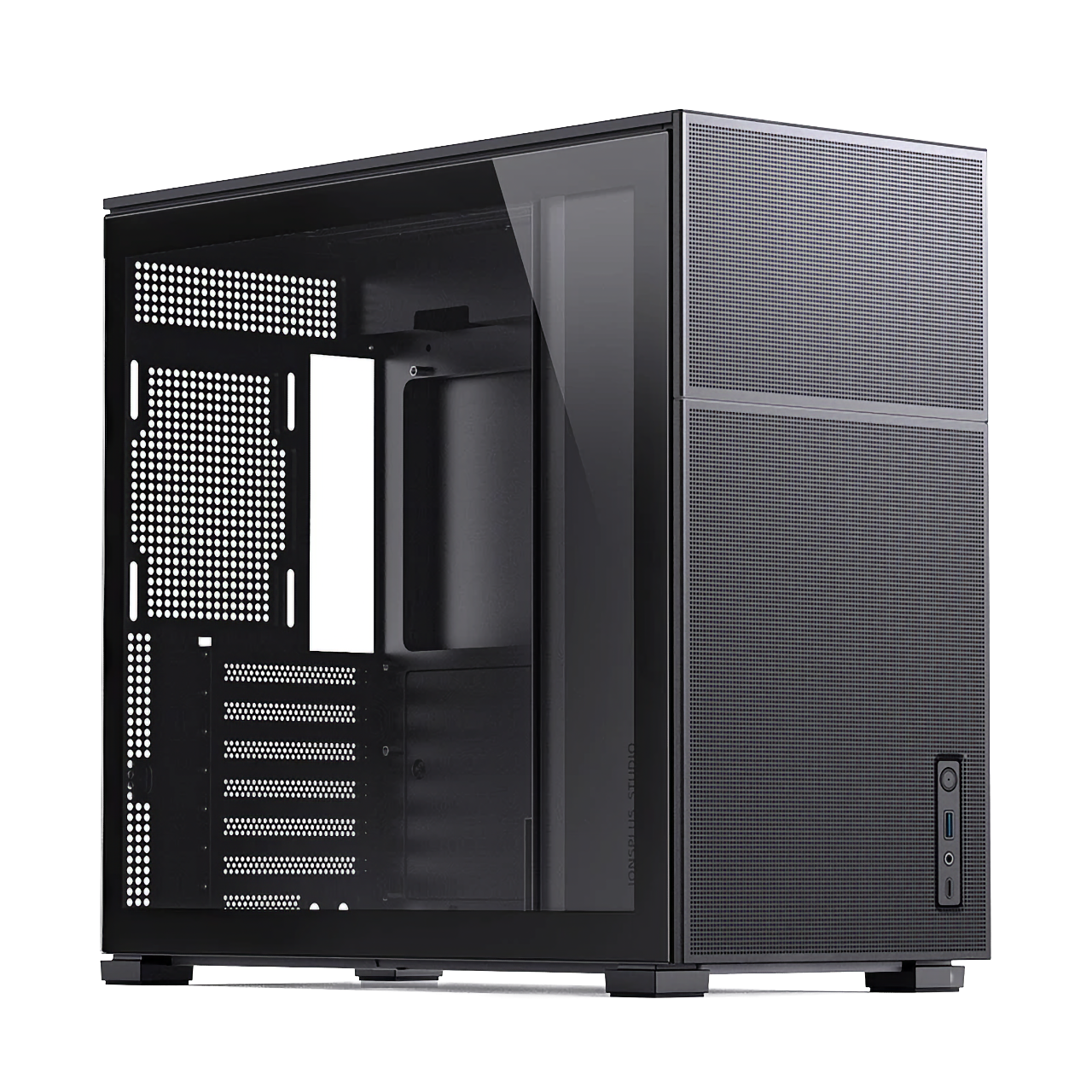
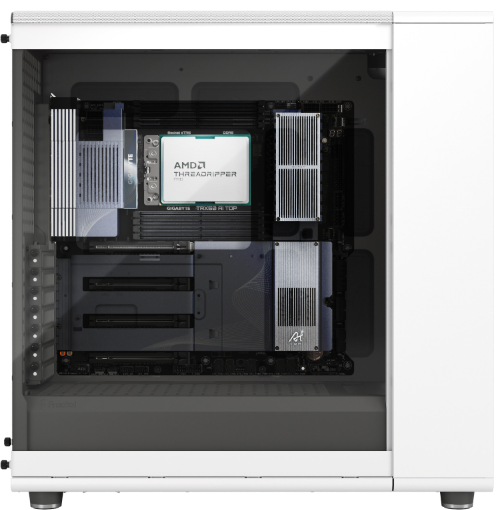
MAQ offers a range of carefully selected PC cases across different price points and sizes to fit your needs — the only difference is that we treat every build with the same care as a handmade car.
Configure Your Own WorkstationIt runs mainstream generative models smoothly, including SDXL, Flux, SD 1.5/2.1, and Stable Cascade, paired with workflows in ComfyUI, Automatic1111, and Forge.
It depends on the model: the flagship tier (RTX PRO 4500 32GB) takes about 1 second, the "1-second" tier (RTX PRO 4000) about 1 second, the "3-second" tier (RTX 5070 Ti) about 3 seconds, and the entry tier about 5 seconds — benchmarked on SDXL at 1024×1024, 20 steps.
Yes. Stable Diffusion-series machines ship with ComfyUI and commonly used SDXL/Flux weights already installed, ready to use out of the box.
Machines with 24GB+ VRAM can handle simultaneous LoRA fine-tuning and inference. Machines with 32GB+ (PRO 4500) can load a larger base model for training.
MAQ provides remote technical support and a loaner service for contracted customers (a comparable-spec loaner during repairs) to help resolve system issues without interrupting your work.
An LLM workstation relies on a high-VRAM GPU to run large language models locally. An AI Agent PC is built around orchestration instead — in most cases it calls cloud or local LLM APIs, and pairs agent frameworks such as n8n, LangGraph, and CrewAI to wire up tools, vector databases, and browser automation. That makes 32GB of memory and a multi-core CPU matter more than a high-end discrete GPU, starting at NT$30,000.
If LLM inference is handled by a cloud API (OpenAI, Anthropic, etc.) or a lightweight local model, integrated graphics are enough — which is exactly why an AI Agent PC can be priced lower. A discrete GPU can be added if you need to run larger models locally or accelerate embeddings.
Machines ship with n8n, LangGraph, CrewAI, Ollama, and Open WebUI preinstalled, ready to connect to the Anthropic / OpenAI API or a local LLM — you can start building agent workflows right out of the box.
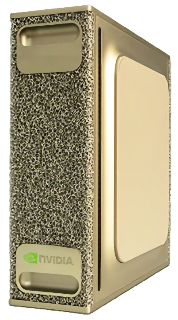
They're built for different things. The Agent PC is about orchestration — most inference is handed off to a cloud or local API, so 32GB of memory and a multi-core CPU matter more than a high-end discrete GPU, starting at NT$30,000. The NVIDIA DGX Spark is about running models on the machine itself: it carries a GB10 Grace Blackwell Superchip with 128GB of unified memory, letting a single machine load large models for local inference and development, starting at NT$190,000. Choose the DGX Spark if your agent's inference node needs to stay on-premise, or if you need to develop and test models locally; choose the Agent PC if you're mainly wiring up tools and workflow automation.
A GB10 Grace Blackwell Superchip, pairing a 20-core ARM Cortex-X925 + A725 CPU with an NVIDIA Blackwell-architecture GPU; 128GB of unified memory and a 4TB NVMe SSD; networking includes 200GbE plus 10GbE, Wi-Fi 7, and USB4 40G. The unified memory architecture, where CPU and GPU share the same memory pool, is what lets it handle large models in a mini-PC-sized case. In stock.
Both use the same NVIDIA GB10 Grace Blackwell Superchip, 20-core ARM Cortex-X925 + A725 CPU, Blackwell-architecture GPU, and 128GB of unified memory, so their core capability for local LLM development and inference is identical. The three differences: brand — the GX10 is from ASUS, the DGX Spark is NVIDIA's own; storage — the GX10 carries a 1TB NVMe SSD versus 4TB on the DGX Spark; and price — the GX10 starts at NT$170,000, the DGX Spark at NT$190,000. Choose the GX10 for a lower-cost entry into the GB10 platform if 1TB of storage is enough; choose the DGX Spark if you need more local storage.
MAQ accepts cash, bank transfer, one-time online credit card payment, Apple Pay, online Cathay United Bank credit card installments (3, 6 or 12 months, with an additional installment fee), and Chailease Silver Horn (銀角零卡) card-free installment shopping. Please contact us for details.